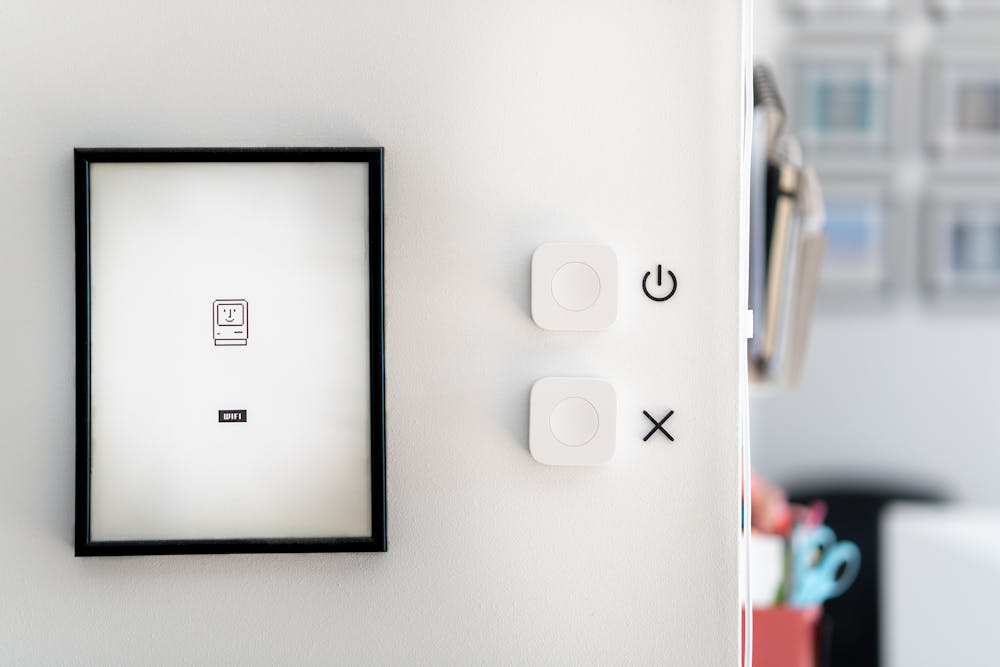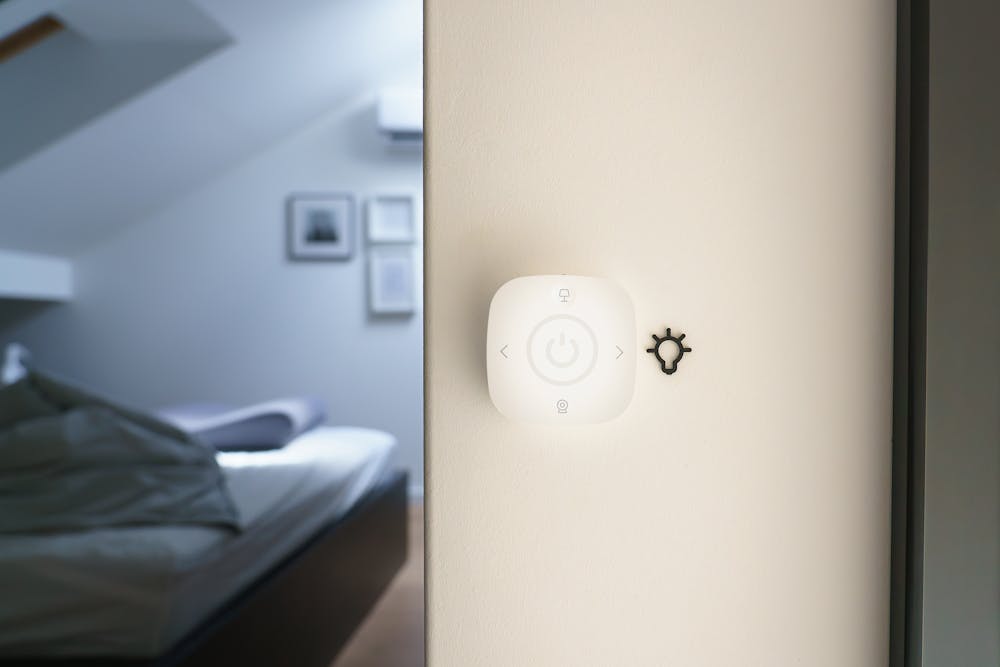
- Proper preparation with basic tools like screwdrivers, drills, and a stable Wi-Fi connection makes installing smart home technology much easier.
- Costs can vary widely, so starting with essential devices and expanding gradually helps manage your budget effectively.
- Following a step-by-step setup process ensures devices connect properly and function as intended.
- Strong Wi-Fi coverage and organized device grouping are key to successful home technology integration.
- Regular updates and good security practices help maintain performance and protect your smart home system.
- Choosing between DIY and professional installation depends on the complexity of your setup and your technical confidence.
Smart home technology is transforming how homeowners manage comfort, security, and energy efficiency. From smart lighting to voice-controlled assistants, integrating these tools can make everyday living more convenient and streamlined. However, before diving into upgrades, it’s essential to understand the tools required, the costs involved, and how to set everything up properly.
This guide will walk you through the essentials of installing smart home systems without overwhelming you. Whether you’re starting small or planning full-scale home technology integration, knowing what to expect can save time, money, and frustration. Let’s explore what it takes to get your smart home up and running.
What Tools Do You Need for Installing Smart Home Technology?
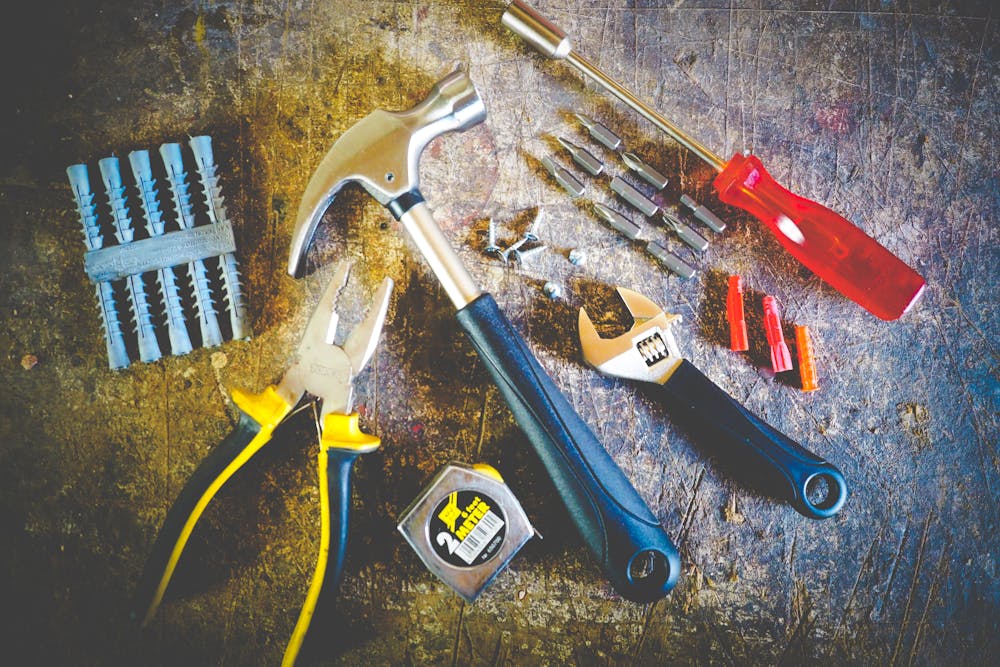
Installing smart home technology doesn’t always require advanced technical skills, but having the right tools can make the process much smoother. Most smart devices are designed for easy installation, but a few basic tools will help ensure a clean and secure setup. Preparing ahead also reduces the risk of damaging your devices or home fixtures.
In many cases, manufacturers include installation kits, but you’ll still benefit from having essential household tools on hand. Additionally, depending on the complexity of your setup, you may need tools for mounting, wiring, or network configuration. Taking the time to gather everything beforehand helps streamline the process.
Essential Tools to Prepare
- Screwdrivers (flathead and Phillips)
- Drill and drill bits for mounting devices
- Measuring tape for accurate placement
- Level to ensure straight installations
- Smartphone or tablet for app-based setup
Optional Tools for Advanced Setups
- Wire strippers for hardwired devices
- Voltage tester for safety checks
- Cable organizers to manage wires neatly
How Much Does Installing Smart Home Technology Cost?
Understanding the cost of installing smart home technology is crucial for proper planning. Expenses can vary widely depending on the number of devices, brand choices, and whether you opt for professional installation. Starting with a clear budget helps you prioritize which features matter most for your lifestyle.
For beginners, it’s often best to start with a few essential devices and expand over time. This approach spreads out costs and allows you to test what works best for your home. Keep in mind that while some devices are affordable upfront, others may require additional hubs or subscriptions.
Typical Cost Breakdown
- Smart bulbs: $10–$50 per bulb
- Smart plugs: $15–$40 each
- Smart thermostats: $100–$300
- Security cameras: $50–$250 per unit
- Smart hubs or controllers: $50–$200
Additional Costs to Consider
- Professional installation fees
- Monthly subscription services
- Upgraded Wi-Fi equipment for better connectivity
Installing Smart Home Technology: Step-by-Step Setup Guide
Installing smart home technology can feel overwhelming at first, but breaking it down into simple steps makes the process manageable. Most devices follow a similar setup pattern, which includes installation, connection, and configuration through an app. Taking a structured approach ensures that your devices function properly and communicate seamlessly.
Before starting, make sure your Wi-Fi network is stable, and your smartphone is ready for device pairing. Following manufacturer instructions is essential, but having a general roadmap can help you stay organized. A step-by-step process also minimizes errors that could affect performance.
Basic Setup Steps
- Unbox and inspect your device
- Install or mount the device in the desired location
- Download the corresponding mobile app
- Connect the device to your Wi-Fi network
- Test functionality and adjust settings
Tips for a Smooth Setup
- Place devices within a strong Wi-Fi range
- Use consistent naming for devices
- Update firmware regularly for better performance
What Are the Best Setup Tips for Long-Term Success?
Getting your devices installed is only the beginning. To fully enjoy the benefits of smart technology, you need to optimize your setup for reliability and ease of use. A well-organized system prevents connectivity issues and ensures all devices work together efficiently.
Planning your layout and automation routines in advance can significantly improve your experience. It’s also important to think about future expansion, as your smart home system may grow over time. Taking these steps early helps avoid unnecessary adjustments later.
Smart Setup Tips
- Group devices by room or function
- Create automation routines for daily tasks
- Secure your network with strong passwords
- Regularly update device software
Common Mistakes to Avoid
- Overloading your Wi-Fi network
- Skipping compatibility checks between devices
- Ignoring security settings
Is DIY Installation or Professional Help Better?
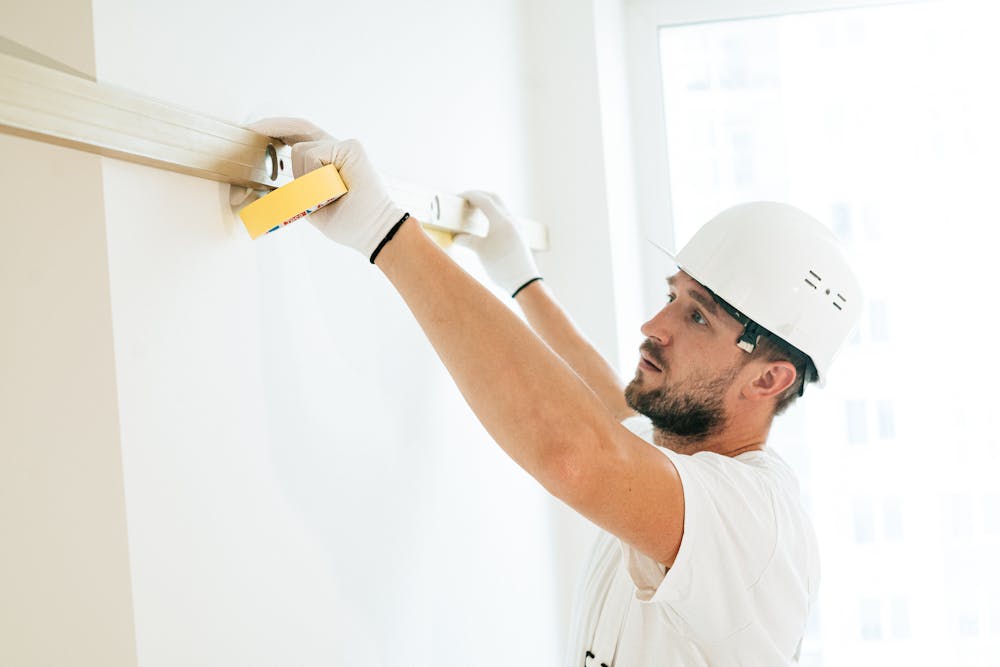
Choosing between DIY installation and hiring a professional depends on your comfort level and the complexity of your system. Many smart devices are designed for easy installation, making them ideal for homeowners who prefer a hands-on approach. DIY setups are also more cost-effective and allow you to learn how your system works.
However, larger systems or those involving electrical work may require professional assistance. Hiring an expert ensures safety and proper configuration, especially for advanced integrations. Weighing the pros and cons helps you decide which option suits your needs best.
DIY Installation Pros
- Lower overall cost
- Flexible setup timeline
- Hands-on learning experience
Professional Installation Pros
- Expert configuration
- Time-saving
- Reduced risk of errors
Conclusion: Getting Started with Smart Home Installation
Installing smart home technology is a worthwhile investment that enhances convenience, efficiency, and security. By understanding the tools required, budgeting properly, and following a structured setup process, you can build a system that fits your lifestyle. Starting small and expanding gradually is often the best approach for beginners.
With the right preparation and setup tips, your smart home can operate smoothly and adapt to your needs over time. Whether you choose a DIY route or professional assistance, the key is to plan carefully and prioritize compatibility. A well-integrated system will provide long-term value and make everyday living more enjoyable.